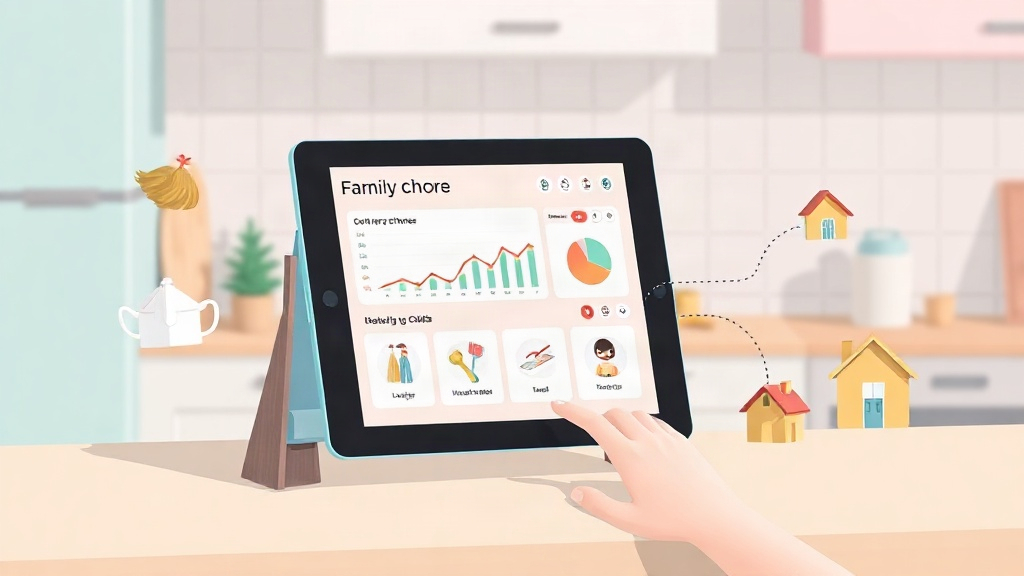
Quick Answer: A chore planner is a system, app or paper, for assigning chores, tracking completion, and handing out rewards. The best ones add point tracking, approval steps, progress charts, and co-parent sync, so two households can run the same routine without extra texting or guesswork.
A chore planner only earns its name if it does more than list tasks. It should assign work, confirm it got done, track points, and hand out rewards without you chasing anyone down.
What Is a Chore Planner (And What Should It Do)?
A chore planner is a system for assigning, tracking, and rewarding household tasks, whether that's a paper chart or an app. At minimum it needs six jobs: task creation, task completion approval, point tracking, reward redemption, progress charts, and co-parent sync.
Most paper charts only handle the first job, listing tasks. They can't approve work, track points automatically, or notify a second parent. KidKarma gives kids the list. You stop repeating yourself, because the app handles reminders and tracking once tasks are set.
For families comparing specific apps side by side, the chore planner comparison guide breaks down how KidKarma stacks up against another option feature by feature.
Chore Planner Vs. Chore Organizer: What's the Difference?
A chore planner builds an ongoing system; a chore organizer structures chores you already have. A planner answers "what should my family do each week and how do we track it." An organizer answers "how do I sort the chores I've already written down."
Many families search both terms for the same reason: they have a messy list of tasks and no way to track whether they get done. A chore organizer might sort chores by room or day. A chore planner adds the tracking layer: who did it, how many points they earned, and what reward they're working toward.
In practice, the overlap matters more than the label. Both terms point to the same gap: a list alone doesn't track follow-through.
Paper Charts Vs. App-Based Chore Planners
Paper charts require manual updates every single day, while app-based planners track points and send reminders automatically. A sticker chart works until nobody remembers to move the stickers.
Reality Check: A printable chart can't notify a second household or log a history of progress the way an app does. If chores span two homes, the chart stops being a shared record the moment a child leaves the house.
KidKarma includes co-parent sync on every plan, Plus or Family, monthly or yearly. Co-parents share one dashboard and both get approval notifications, so a chore approved at one house shows up at the other.
For a side-by-side look at several app options, see the chore and allowance app comparison.
| Feature | Paper Chart | App-Based Planner |
|---|---|---|
| Task tracking | Manual, daily | Automatic |
| Reminders | None | Smart reminders |
| Two-home sync | Not possible | Included on every plan |
| Reward redemption | Manual tally | Tracked in-app |
Core Features to Look for in a Chore Planner
A chore planner needs five working parts, not just a list of chores. Each one solves a specific problem paper charts can't.
Task Creation and Approval
Task creation lets a parent set up chores once; approval lets a parent confirm the work before points are awarded. This two-step process matters because kids mark tasks done, but a parent still checks the work before points are credited.
Point Tracking and Reward Redemption
Point tracking logs every completed task, and reward redemption lets kids trade points for something they want. Kids earn points for completing tasks, unlock rewards, and build positive habits while parents stay organized and connected.
Progress Charts
Progress charts show a visual history of completed tasks over time. They answer a simple question for a parent: is my child's routine actually sticking, or did it fall apart after week one?
Co-parent Sync
Co-parent sync means both parents see the same chores and the same approvals, no matter which house a child is in. Smart reminders and a QR kid login mean a child can check into the app without typing a password, and both parents stay on the same dashboard.
Pro Tip: No ads. No spying. Children's accounts are fully managed by parents. No data sharing with third parties. Minimal data collection. That privacy stance applies to every plan, not just paid tiers.
Compare several chore apps feature by feature in the best chore apps roundup, or see the full feature list directly.
How to Set Up a Chore Planner for Your Family
Setting up a chore planner takes four steps, starting small and building from there.
- Pick 3-5 age-appropriate tasks. Younger kids do better with a short list than a long one.
- Assign points per task. Keep values simple, like 5 points for a quick task and 10 for a bigger one.
- Set a reward goal. Tie points to something the child actually wants.
- Let the child mark tasks done, then approve them. This keeps the parent in the loop without micromanaging.
Try the system with KidKarma's 14-day free trial, card required, every feature included. Then from $4.99/month. A reminder lands on day 11, four days before your trial ends, so there's no surprise charge.
If you'd rather start on paper before moving to an app, the family chore schedule template guide and the printable chart maker for age 5 or the chart maker for age 6 are both free starting points.
Ready to stop updating a paper chart by hand? Compare KidKarma's full feature list and start the 14-day free trial.