Quick Answer: A family rewards system for kids works by assigning point values to chores, approving completed tasks, and letting kids redeem points for rewards the family chooses. Free rewards like extra screen time or picking dinner cost nothing. KidKarma runs this workflow in an app, with a 14-day free trial, card required, then plans from $4.99/month or $29.99/year.
How a Family Rewards System Actually Works
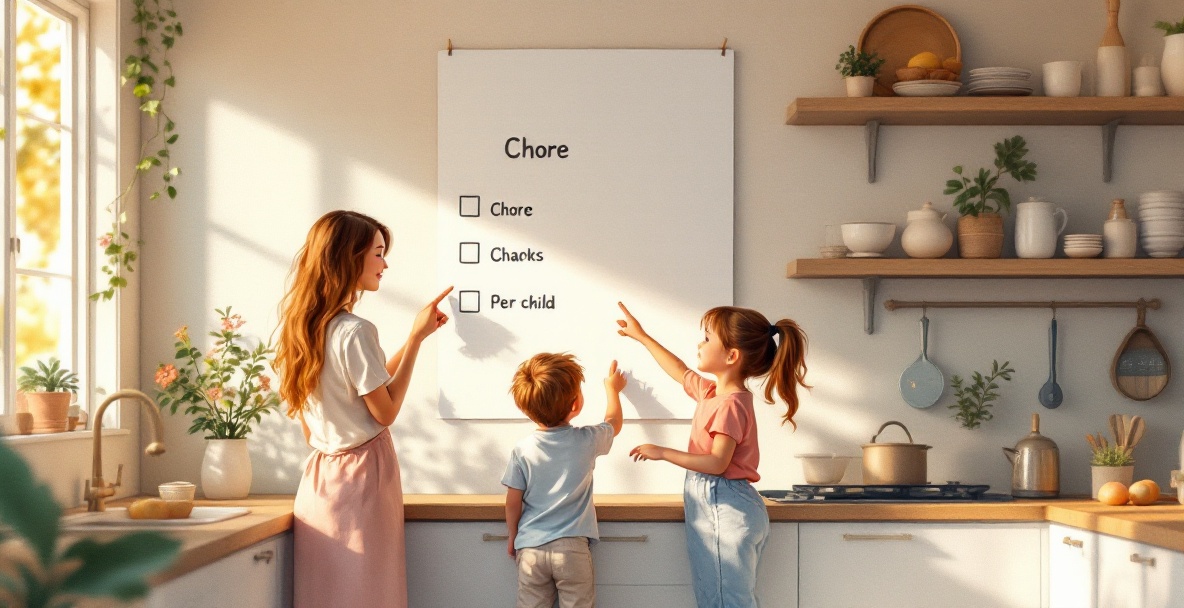
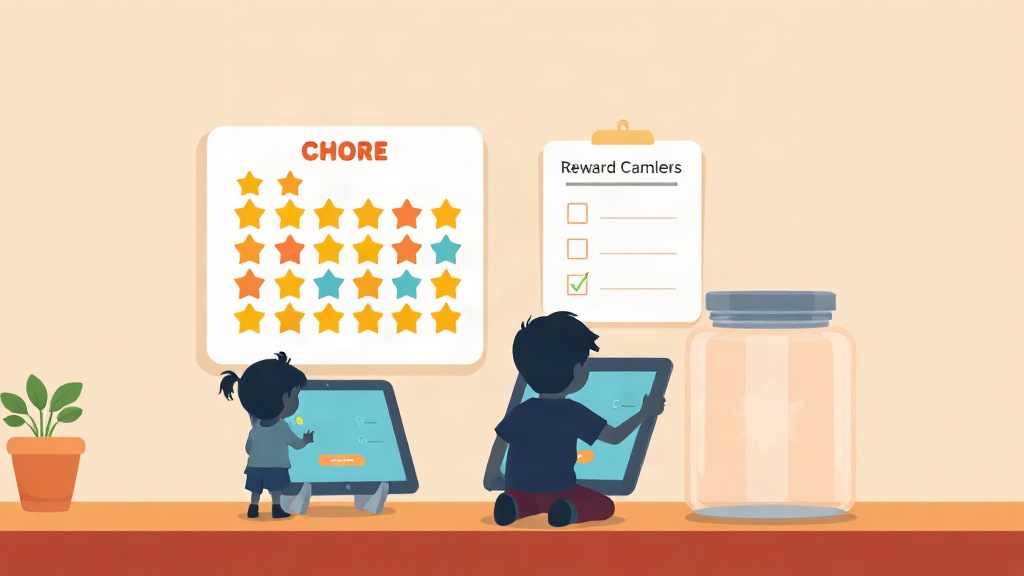
A family rewards system is a simple loop: you assign a point value to each task, your child completes it, you approve it, points land in their balance, and they redeem those points for a reward you both agreed on. That is the whole engine. Everything else, charts, streaks, penalties, is decoration on top of that loop.
The reason this beats nagging is feedback. Kids earn points for completing tasks, unlock rewards, and build positive habits while parents stay organized and connected. A child who can see their balance climb toward a movie night does not need a fourth reminder. The points do the asking.
Three parts make the loop work:
- Tasks are the jobs, with a point value attached to each one.
- Points are the currency kids collect for finishing tasks.
- Rewards are what points buy, chosen by your family in advance.
If you are weighing a points-based app against an allowance-linked one, the KidKarma vs FamilyRewards comparison walks through where each approach fits.
Worth Knowing: Research on incentive programs for families found that rewards change behavior most when the reward is something the child actually values, not what the parent assumes they value. Ask your kid what they want before you set the price.
Setting Up a Reward Redemption System for Your Kids
Setting up a reward redemption system takes three steps: create tasks, approve completed tasks, and let points accumulate until your child redeems them. You can run this on paper or in an app. The steps are the same either way.
Step 1: Create Tasks
List the jobs you want done and give each one a point value. Keep the first list short, five to seven tasks, so nobody gets overwhelmed. A five-year-old might get one point for putting shoes away. A ten-year-old might get five for unloading the dishwasher. Match the points to the effort, not the age.
Step 2: Approve Completed Tasks
Your child marks the task done, and you confirm it. This approval step matters more than it looks. It is the moment your kid gets noticed for the work, and it stops the "I already did it" argument before it starts. In an app, approval is one tap. On paper, it is your initials in a box.
Step 3: Track Points and Redeem Rewards
Points accumulate in a visible balance. When your child has enough, they trade points for a reward. Progress charts show how close they are to the next one, which keeps motivation alive during the slow stretch between rewards. If you want a printable starting point, the family chore schedule template guide covers how to lay the week out.
Buying Tip: A reward system fails when points are invisible. If your child cannot check their own balance without asking you, they stop caring about the balance. Pick a method where kids can see their own progress.
No-Cost Rewards That Actually Motivate Kids
The best free rewards are privileges, not purchases. Extra screen time, choosing what the family eats for dinner, staying up thirty minutes later on Friday, or one-on-one time with a parent all cost nothing and land harder than a sticker. Kids want access and attention more than they want stuff.
A few that work across ages:
- Pick the movie for family night
- Skip one chore of their choice
- A later bedtime on a school night
- Breakfast for dinner
- A solo trip to the park with one parent
- Choosing the weekend activity
Visible progress is what makes free rewards feel valuable. When a child can watch their points climb toward a reward they picked themselves, the wait becomes part of the fun. That is why point tracking and progress charts matter more than the size of the reward.
Running Family Rewards Across Two Homes
Running rewards across two homes works when both parents see the same points balance and the same task list. Without that, a child can finish chores at one house and arrive at the other with no credit, which kills the system fast. Co-parents share one dashboard and both get approval notifications. Included on every plan, Plus or Family, monthly or yearly.
A shared dashboard means both homes approve tasks against the same balance. If mom approves the dishes on Tuesday, dad sees it on Tuesday. No re-doing chores, no disputes about what was already earned. Two parents or guardians. Everything you need to run chores and rewards, in one home or two.
This matters most for kids who split weeks. A consistent points balance gives them one continuous story instead of two separate ones, and it removes the awkward position of a child having to explain what they did at the other house.
Paper Chart Vs. App: What Changes
A paper chart works until it does not. The difference between paper and an app is not the concept, it is who does the bookkeeping. On paper, you are the database. In an app, the math, the history, and the reminders run themselves.
| What Changes | Paper Chart | App |
|---|---|---|
| Point math | You add it up by hand | Calculated automatically |
| Approval record | Initials in a box | Timestamped, one tap |
| Progress view | Whatever is on the fridge | Live chart per child |
| Two-home sync | Notes, texts, guesswork | Shared dashboard |
| Lost data | Chart gets thrown out | History stays |
| Setup time | Minutes | Under 5 minutes |
Paper is free and immediate, which is a real advantage. An app costs money but removes the tracking work and holds up across two homes. If you are comparing options, the roundup of chore and allowance apps and the best chore apps comparison both lay out price and fit side by side.
What KidKarma Costs (Trial, Plans, Cancellation)
KidKarma starts with a 14-day free trial, card required. You won't be charged if you cancel before the trial ends. Plans start at $4.99/month or $29.99/year after your free trial. Every feature is included during the trial, so you can test the full workflow before you decide.
A reminder lands on day 11, four days before your trial ends. That gives you time to cancel if the app is not a fit, without watching the calendar yourself. Cancellation is available any time before the trial ends.
KidKarma gives kids the list. You stop repeating yourself. Parents who use it describe it plainly: "UI is clean; my daughter loves the colors. Customizable tasks, penalties, rewards with points." Another wrote, "Good app which keeps kids motivated to achieve daily routine activities on schedule and by themselves." One reviewer called it "Amazing app!! The app is great for organizing daily tasks for kids."
We run no ads and sell no data, so subscriptions are what keep the lights on. No ads. No spying. Children's accounts are fully managed by parents. No data sharing with third parties. Minimal data collection. Start with the KidKarma app and see the full workflow in the 14-day free trial.