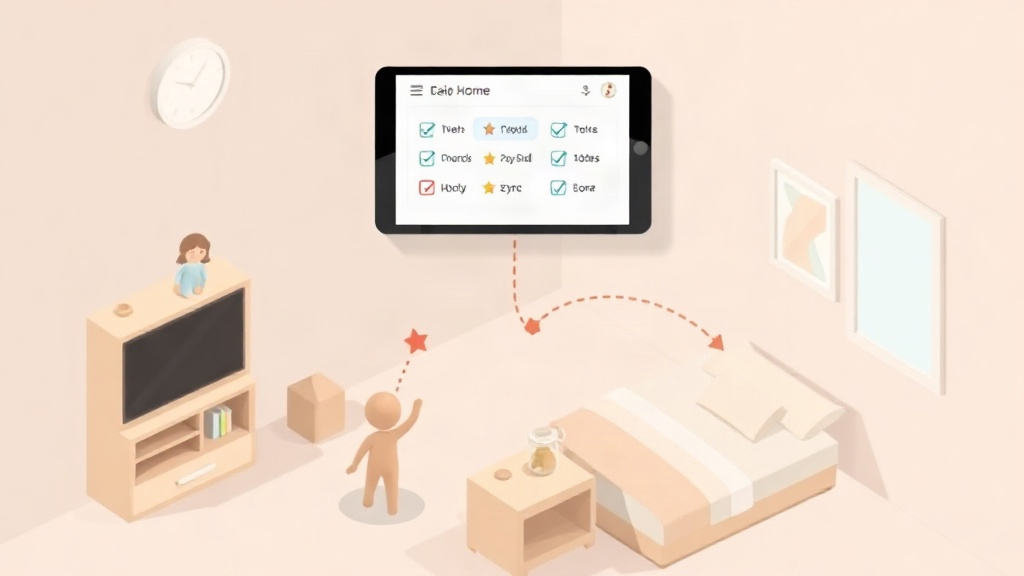
Quick Answer: A reward tracker lets parents assign tasks, approve completion, and automatically turn approved tasks into points kids redeem for rewards. The best ones show progress over time, sync across two homes, and are priced clearly, with no hidden charges after the trial ends.
A reward tracker turns chores into a visible loop: a task gets assigned, a parent approves it, and points land in a kid's account for redemption later. Most pages ranking for this topic are app-store listings or printable chart boards. Neither explains how approval, point tracking, and redemption actually connect, or what it costs to run that system across two homes.
What a Reward Tracker Actually Does
A reward tracker is a system that records completed tasks, converts them into points, and lets a child trade those points for a chosen reward. Kids earn points for completing tasks, unlock rewards, and build positive habits while parents stay organized and connected. That covers five working parts: task creation, approval, point tracking, reward redemption, and progress charts.
Each part depends on the last. Tasks without approval have no accountability. Points without redemption are just numbers. For a side-by-side look at how this structure compares to another tracker, see the Kidkarma vs Familyrewards comparison.
How Points Get Tracked and Approved
Points only mean something if approval happens consistently, every time a task is marked done.
Task Creation and Approval
A parent creates a task, a child marks it complete, and the parent approves it. KidKarma gives kids the list. You stop repeating yourself. That single sentence describes the practical win: no more verbal reminders, because the task list lives in the app.
Point Tracking in Real Time
Points update the moment a parent approves a task, not at the end of the week. A child who makes their bed and puts clothes away sees the point balance change right away. For a structured starting list of tasks and point values by age, see the family chore schedule template.
Redeeming Rewards: From Points to Payout
Redemption is the step where points become something a kid actually wants, chosen from a reward menu the family sets in advance. A Google Play reviewer summed up the day-to-day experience: "UI is clean; my daughter loves the colors. Customizable tasks, penalties, rewards with points."
That quote points to three things that matter in redemption: it has to be visual enough for a child to understand, flexible enough to customize per kid, and tied to both points earned and points lost. For a deeper breakdown of how reward menus and tiers should be structured, see reward systems for kids that actually work.
Progress Charts: Seeing the Habit, Not Just the Points
A progress chart shows whether a habit is forming, not just whether today's chores got done. A single day of points tells you little. A chart showing three weeks of consistent bed-making tells you the habit stuck.
Did You Know?: A visual progress record replaces the paper chart entirely, so both the kid and the parent can see the same history instead of relying on memory.
This matters most for younger kids who need to see effort add up. For more on pairing progress tracking with praise and consistency, see how to reward good behaviour in kids.
Reward Trackers for Co-Parents and Two Homes
A reward tracker built for two households needs one shared record, not two separate ones that fall out of sync. Co-parents share one dashboard and both get approval notifications. Included on every plan, Plus or Family, monthly or yearly.
That means a task approved at one home shows up the same way at the other. A point earned on a Tuesday at mom's house still counts toward Saturday's reward at dad's house. Two-home families lose this the moment they rely on two separate paper charts or two separate apps.
What a Reward Tracker Should Cost
Pricing should be stated plainly before you download anything, not buried after signup. KidKarma's terms: 14-day free trial, card required, every feature included. Then from $4.99/month.
Pro Tip: A reminder lands on day 11, four days before your trial ends, so you have time to cancel before any charge.
Plans start at $4.99/month or $29.99/year after your free trial, and every plan includes unlimited kids, tasks, and rewards. There's no ad model behind any of it: we run no ads and sell no data, so subscriptions are what keep the lights on. See the full feature list on the KidKarma homepage.
Choosing a Reward Tracker: What to Check Before You Commit
Before committing to any reward tracker, check these four things directly:
- Approval flow: Can a parent approve or reject a task in one tap, with points updating immediately?
- Redemption flow: Can each kid build their own reward menu, not just a generic list?
- Co-parent support: Does one dashboard sync across two homes, with both parents notified?
- Pricing transparency: Is the price, trial length, and reminder schedule stated in plain English before signup?
If a tracker is vague on any of these four points, that's worth noticing before you hand over a card number. For a full comparison of trackers against these criteria, see best chore and allowance apps for kids.
Start with the 14-day free trial, card required, and see whether the approval and redemption flow fits your family before you commit to a plan.