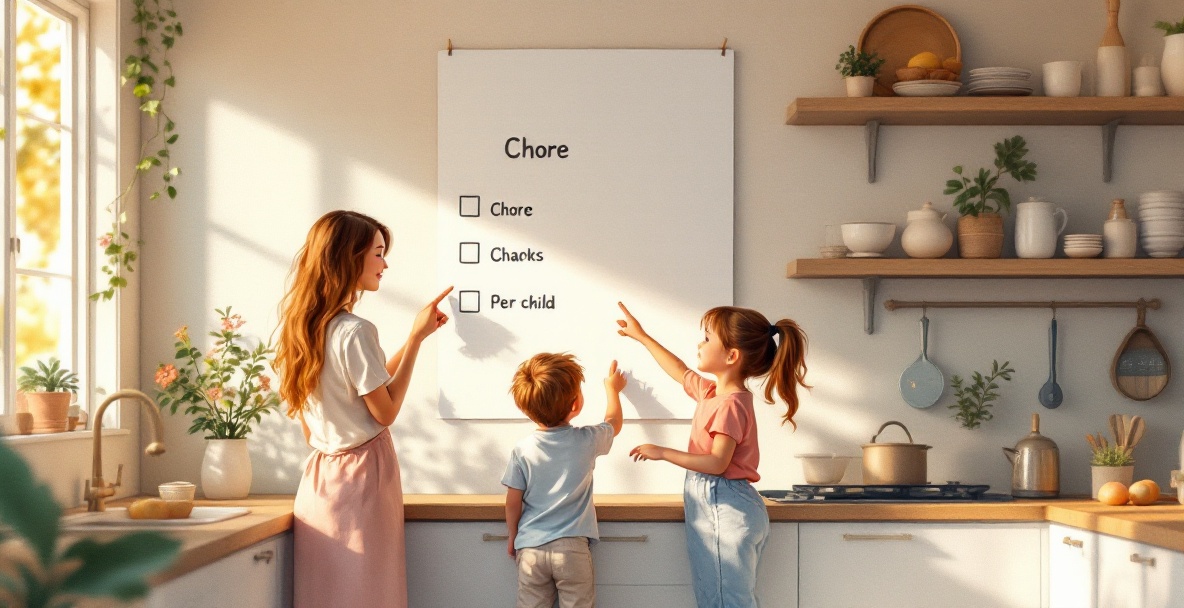
Quick Answer: A visual aid for ADHD is anything that turns a spoken instruction into something your child can see: a chart, icon, color code, or point tracker. Visual cues work because they replace a memory demand with a perception demand. The format matters less than whether your child can tell, at a glance, what is done and what is left.
A visual aid for ADHD is anything that turns a spoken instruction into something your child can see: a chart, an icon, a color code, or a point tracker. Visual cues work because they replace a memory demand with a perception demand. Your child does not have to recall what comes next. They only have to look.
That single shift explains why a five-step morning routine a child cannot hold in their head becomes manageable when it is four colored cards on a wall. It also explains why the aid only helps if it is there every day, in every home your child moves between. A chart that lives in one house and not the other stops being a system and becomes a suggestion.
What Counts as a Visual Aid for ADHD
A visual aid for ADHD is any tool that shows a task instead of saying it: a wall chart, a whiteboard, a sticker sheet, a color-coded checklist, or an app screen with points and progress bars. The label matters less than the job it does.
Three things separate a visual aid that works from one that gets ignored:
- It shows the whole routine at once, so your child sees where they are and what is left.
- It gives feedback fast, within seconds of finishing a task, not at the end of the week.
- It stays in the same place and the same format, so your child does not have to relearn it.
Once you accept those three conditions, the real fork in the road is paper versus app. Paper is cheap and immediate. An app can remind, track, and sync. Families weighing tools side by side can start with this visual aids for adhd comparison before choosing a format.
Why Visual Cues Work for ADHD Brains
Visual cues for ADHD work because they move the demand off working memory and onto perception. A child with ADHD often knows what to do and still cannot start, because holding a multi-step routine in mind takes the exact executive function that ADHD makes harder.
A visible cue removes that step. Your child looks, sees the next task, and acts. The cue does the remembering for them.
Repetition and consistency matter more than any single chart design. A plain index card used the same way every morning beats a beautiful laminated chart that changes weekly. Research on visual-motor attention in children with ADHD points to differences in how visual information gets processed and sustained, which is one reason a cue that stays put outperforms one that keeps moving.
Pairing a cue with a fast, specific reward strengthens the loop; this guide to rewarding good behaviour in kids covers how to set that up without over-rewarding.
Research Highlight: A study in PubMed on visual-motor attention in children with ADHD found measurable differences in visual attention performance compared with peers, which supports keeping cues simple, static, and repeated rather than novel.
Types of Visuals for ADHD, From Paper to App
Visuals for ADHD fall into two families: physical tools you make or buy, and digital tools that update themselves. Both can work. They fail in different ways.
Paper Charts and Their Limits
Paper charts are the fastest way to start. A laminated morning routine taped by the door costs almost nothing and needs no setup. Their limits show up in week two.
- Nothing updates on its own, so a parent has to swap cards or reset the chart daily.
- There are no reminders, so the chart only works if someone points your child to it.
- Paper gets lost, torn, or left at the other house.
- Progress is hard to see over time, which weakens the reward loop.
App-based Visual Systems
An app-based visual system keeps the same visual logic but removes the maintenance. KidKarma gives kids the list. You stop repeating yourself. Tasks appear as short, icon-led items, and points land once a parent approves the task.
The features that matter for an ADHD household are task creation, task completion approval, point tracking, reward redemption, and progress charts. Smart reminders nudge once instead of nagging. Custom avatars and a kid-friendly interface keep a young child willing to open it. QR kid login means your child signs in without typing a password.
If you are comparing options, these roundups of the best ADHD chore apps for kids and the best chore and allowance apps break down price and fit.
Watch Out: A long task list defeats the purpose. Keep three to five visible items at a time. If your child cannot find their place on the screen within two tries, the interface is too complex for daily use.
Keeping Visual Aids Consistent Across Two Homes
Consistency across two homes is the part most visual aid advice skips, and it is where paper systems break first. If the chart lives at one house, the routine resets every time your child switches homes.
Co-parent sync solves this by keeping one shared system instead of two separate ones. Co-parents share one dashboard and both get approval notifications. Included on every plan, Plus or Family, monthly or yearly. That means a chore approved at your house shows as done at the other, and points do not restart on Sunday.
QR kid login lets the same visual system travel between homes without a second setup. Your child scans, sees the same list, and keeps the same point balance. Two-home sync is the practical fix for the most common reason visual aids stop working.
How to Start Using Visual Aids Today
Start with three to five tasks, not a full routine. Pick the tasks that cause the most repeated asking, assign each a point value, and set one smart reminder per task block.
A simple first week looks like this:
- Choose three to five daily tasks your child already can do.
- Assign points to each task, with harder tasks worth more.
- Let your child help pick two or three rewards they can redeem.
- Approve tasks the moment they are finished, so points appear fast.
- Check the progress chart together at the end of the week.
KidKarma runs a 14-day free trial, card required, every feature included. Then from $4.99/month. Plans start at $4.99/month or $29.99/year after your free trial. A reminder lands on day 11, four days before your trial ends, so you are never charged by surprise.
We run no ads and sell no data, so subscriptions are what keep the lights on. For a tool your child opens every day, that matters. One parent put it plainly: "UI is clean; my daughter loves the colors. Customizable tasks, penalties, rewards with points." See how it works on the KidKarma app page.